
Connected Devices & IoT
Smart Weighing Software: Technical Architecture from Measurement to ERP Recording
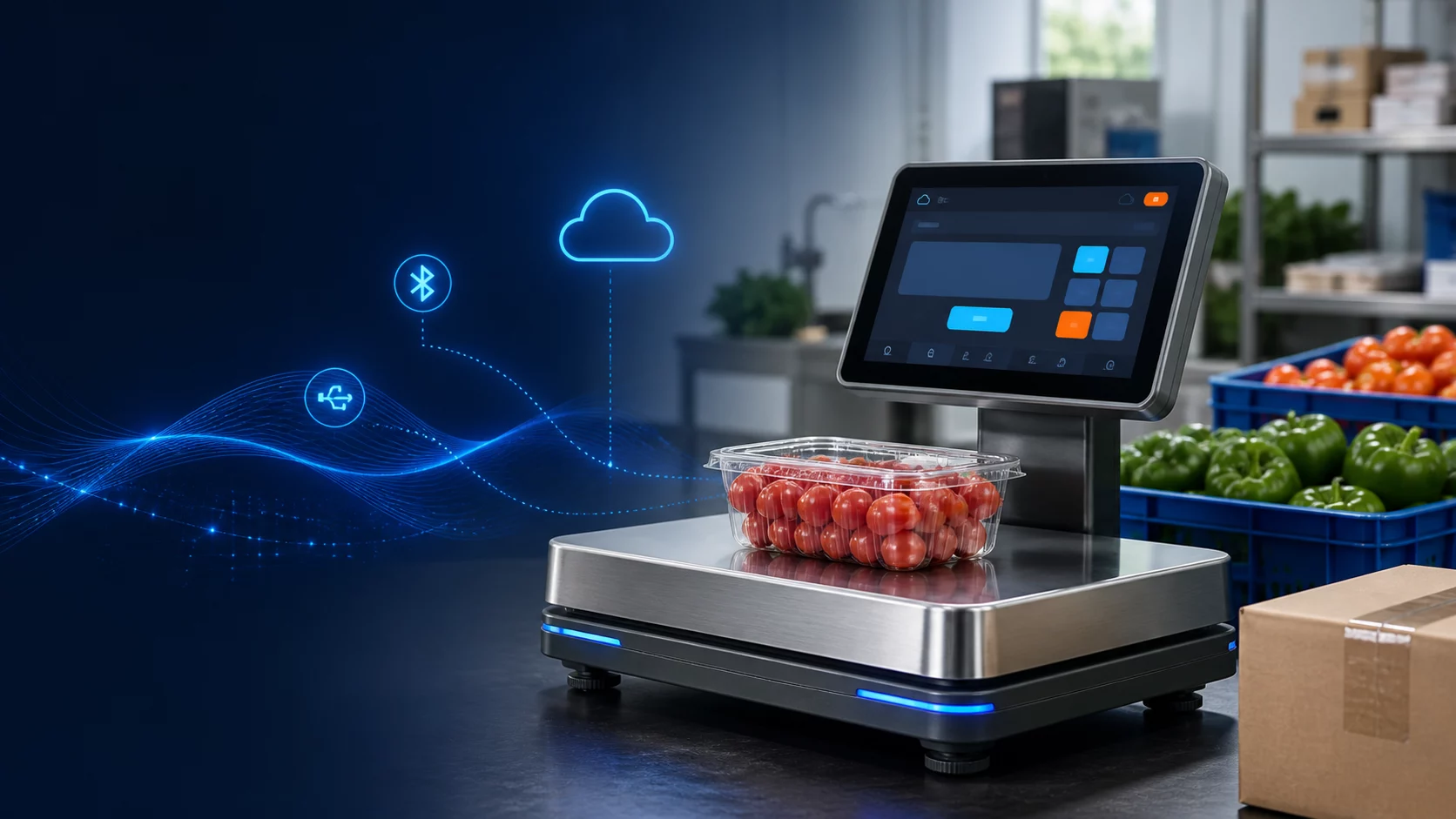
Prototype architecture that carries weight, product, operator, lot and label records from the Serial, USB or BLE connected weighing screen to the ERP system.
Short answer
Converting the weighing device into a record-producing digital terminal
Smart weighing software not only enlarges the kilogram value on the screen; it associates the measurement with product, operator, lot, order and time information. Depending on the retail, warehouse or production scenario, label printing, quality control and ERP transfer are combined in the same workflow. The first prototype should take stable measurements from the weighing simulator and create a record and not lose the transaction when there is no connection.
Device connection and reliable measurement flow
The weighing indicator can be connected to the Android/Linux panel via Serial, USB HID, BLE or manufacturer protocol. The adapter layer converts the raw package into a common model consisting of weight, unit, stable, tare and error fields. The software only allows recording when stable signal arrives; Tare, reset and upper limit commands are limited according to device capabilities. Calibration parameters should be separated from the normal user screen and replaced with the authorized service record.
Data model, ERP and offline synchronization
The base model consists of Device, Operator, Product, Lot, WorkOrder, WeighingRecord and CalibrationEvent entities. Each record carries unique ID, device time and server retrieval time. ERP integration can be done via REST, message queue or field gateway. When the internet goes down, records are written to the local encrypted queue; Retransmission uses an idempotency switch to avoid processing the same weighing twice.
Screen experience and operation rules
The operator first selects the work order or product, scans the barcode, confirms the stable weight, and prints the label if necessary. The large number, unit, stability indicator and error status should be understood at a glance. Wrong items, out-of-limit measurements and incomplete lot information are blocked for obvious reasons. The use of gloves, low light, and a fast repetitive pace are all part of prototype testing.
Demo software and presentation scenario
Demo; it may consist of a touch panel, USB or BLE weighing simulator, barcode reader and web panel. The product is scanned, the box is placed on the platform, the weight is stabilized and a record is created. The offline queue is shown by cutting the network; When the connection returns, the record is transferred to the ERP simulator. An alarm scenario for the device with out-of-limit weight and calibration deadline is also added to the presentation.
Transition to testing and production
Packet parsing, unit conversion, tare, stability and retransmission rules are tested automatically. Cable break, flickering value, power outage, faulty device clock and printer malfunction are also tried. In use requiring commercial or legal measurement, the compliance of weighing hardware, software behavior and records with the relevant metrology legislation should be verified with the manufacturer and authorized organizations.
Frequently asked questions
Can the scale work without internet?
Yes. Measurement and local recording flow must continue offline; ERP synchronization must be completed securely when the connection arrives.
Is BLE suitable for every industrial scale?
No. Range, interference, data frequency, and field reliability should be evaluated; Serial or industrial communication may be more suitable in fixed installations.