
Connected Devices & IoT
Restaurant KDS and Order Screen Software: Real Time Technical Architecture
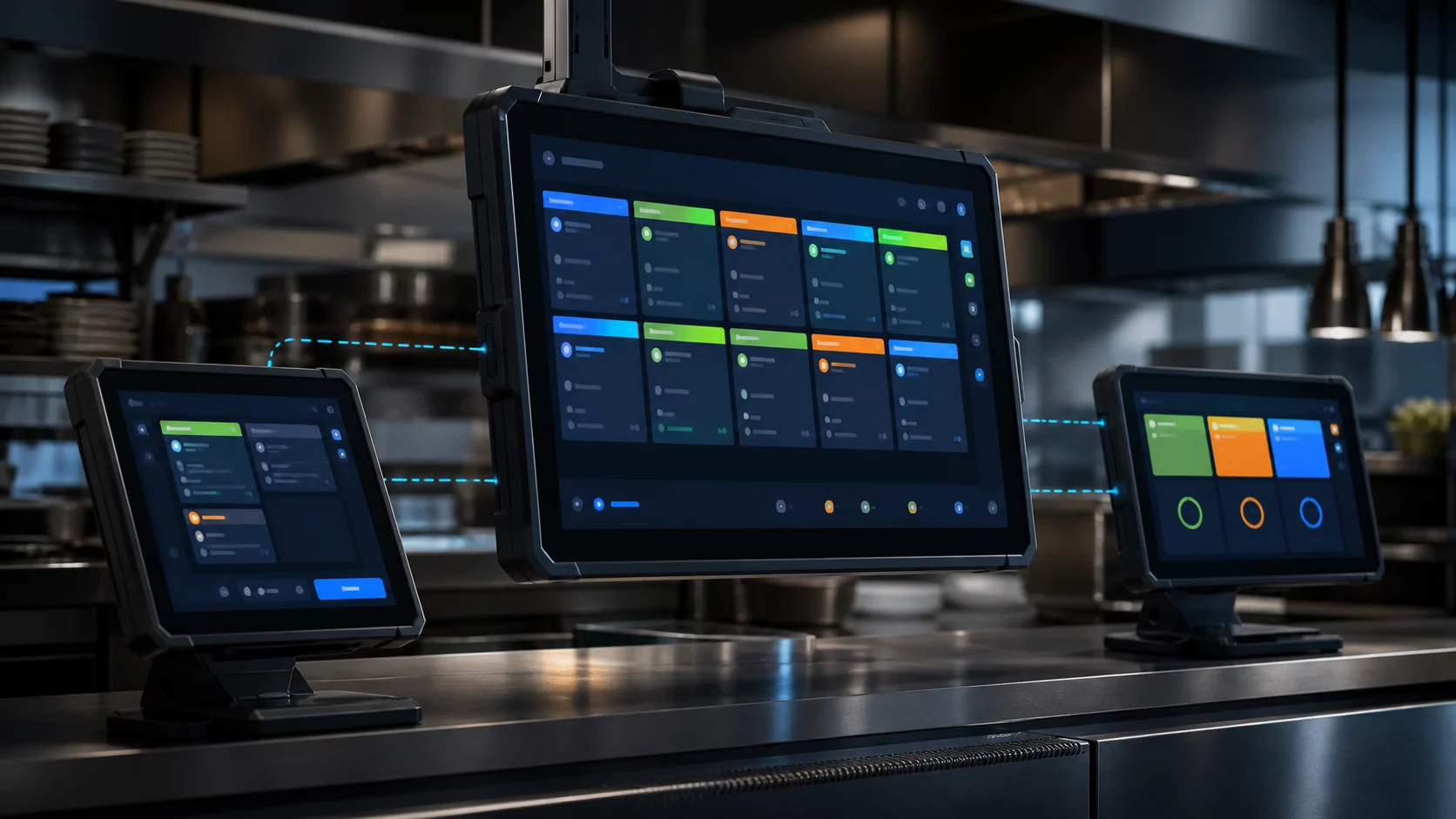
KDS prototype and scalable software architecture that combines POS, online ordering, kitchen screen and customer delivery screen on a single backend.
Short answer
Uninterrupted flow of orders from the cash register to the kitchen
Kitchen Display System moves orders from POS or online channels to the correct preparation station; Shows duration, product notes and status changes in real time. The same infrastructure can produce self-order kiosks, kitchen screens, expediter screens and customer-facing ready-made order screens. The first MVP can be deployed with a single branch, two staging stations, and a delivery screen.
Services and event-based ordering model
In the basic architecture, the Order API accepts the order, the Routing service divides the products into stations, the Kitchen service manages the preparation status, and the Display Gateway manages WebSocket connections. The order goes through the states CREATED, ACCEPTED, PREPARING, READY and HANDED_OFF. Each change is recorded with a sequential event and timestamp. So when the display is reconnected, it not only retrieves the last view but also the reliable order status via the backend.
Screen roles and user experience
The preparation screen shows the station's items, elapsed time, allergen and special notes. The Expediter screen combines parts from different stations into one order. The pickup screen publishes the customer name or order number only in the PREPARING and READY groups. Touch targets should be large and colors should be high contrast; the situation should not be explained only with color. In busy kitchens, sound, vibration or external alert support can be added optionally.
Offline durability and integration
A local branch gateway can maintain flow between the POS and kitchen screens when the internet goes down. Once cloud connectivity is restored, events are synced with unique IDs. POS and delivery integrations are transformed into a common order scheme; the unique ID of the channel is also stored. If the WebSocket breaks, the client reconnects with increasing latency and requests missing updates since the last event sequence number.
How to prepare a working demo?
The demo package includes three browser windows or Android panels: case, kitchen and pickup screen. A two-item order is placed at the cash register, the burger is directed to the hot station and the beverage is directed to the cold station. Preparation times are live; the overdue card goes into warning status. When two stations are completed, the expediter makes the order READY and the number appears on the customer screen. The behavior of briefly disconnecting the network and reconnecting is also shown in the presentation.
Observability, authorization and data security
The operations panel shows average lead time, station load, overdue order rate, and cancellation reasons. Worker processes are written to the audit trail with role and device ID. No unnecessary personal information is displayed on the pickup screen; Order notes are opened only to the relevant station. Menu, branch and device settings are kept updated; faulty deployment can be reverted to previous configuration.
Pilot and productization roadmap
In the first pilot, order churn, status latency, and screen availability are measured. In the next stage, multi-branch, multi-brand, courier delivery, product preparation forecasting and kitchen capacity management are added. The commercial focus of the rollout should be less paper, more visible deadlines, a lower misdelivery rate and controlled integration with existing POS systems.
Frequently asked questions
Is special embedded hardware required for KDS?
For most MVP and field installations, an Android panel, tablet, or industrial display running in kiosk mode is sufficient. The critical need is resilience, network management and proper integration.
Is WebSocket alone enough?
Suitable for live update; however, persistent event logging, sequence numbering, and REST-based resynchronization are also required to return to the correct state after the break.